Talking and switching channels
Press and hold the button and you are talking to the whole channel. The screen shows who is transmitting right now and how many people are connected. To switch channels, tap the channel name.

PoC System
PoC (Push-to-Talk over Cellular) is a radio system that runs on an app over the data network instead of a dedicated radio network. It works like a conventional radio: press one button and your voice reaches the whole channel instantly. The Omnifunk App runs on dedicated PoC terminals, on Android phones, and on desk consoles, over mobile, fixed WiFi, or satellite coverage.
The radio you already know, without the usual limits.
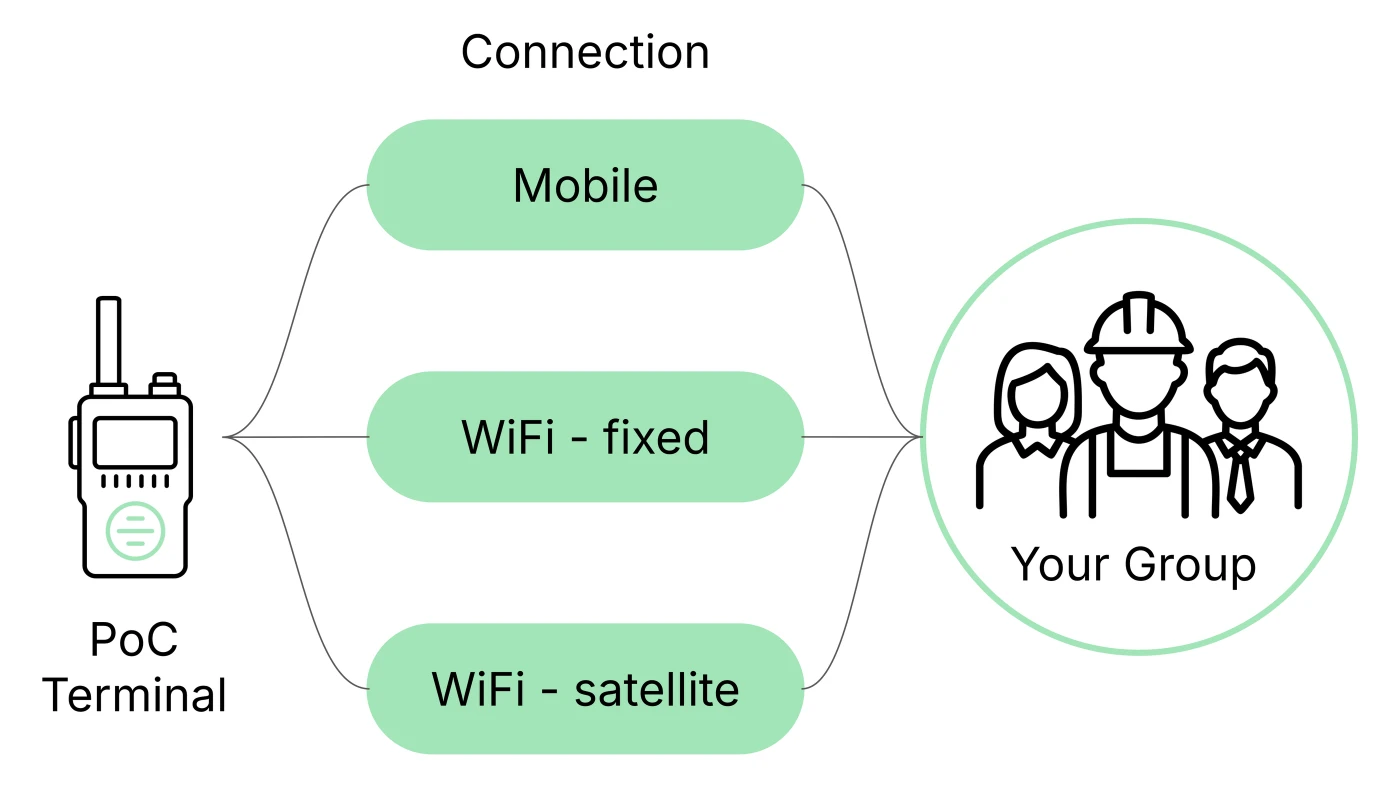
The Omnifunk PoC system works anywhere with cellular, WiFi, or satellite coverage, without depending on a dedicated radio network or on a country's borders. Your operation stays connected wherever you are.
The Omnifunk App installs on iPhone and on any device running Android 7.0 or later: the phone your staff already has, a rugged tablet, a PoC terminal, a vehicle terminal, or an IP desk console. They all join the same channel, with the same screen and the same button, whoever built the hardware.
Our PoC terminals include remote device management (MDM) to restrict access to social media, YouTube, games, and other entertainment apps. Your team stays focused on the operation, not the phone.
The PoC system connects to your organization's radio network through a gateway or IP connectivity, and the App installs on the Android phones your staff already carries. You add coverage and new users without buying a device per person and without touching the infrastructure that already works.
Choose PoC/DMR or PoC/TETRA hybrid terminals and carry both technologies in one device, with a button for each. Your staff keeps talking over your organization's DMR or TETRA network where there is radio coverage, and moves to PoC where there is none.
Omnifunk App
The Omnifunk App is your team's radio. It connects to the gateway over WiFi or mobile data, and from there your staff talks on group channels with the logic they already know: one button, one channel, no dialling anyone. Someone who has never used a radio gets it in a minute, and someone who has carried one for twenty years has nothing to unlearn.
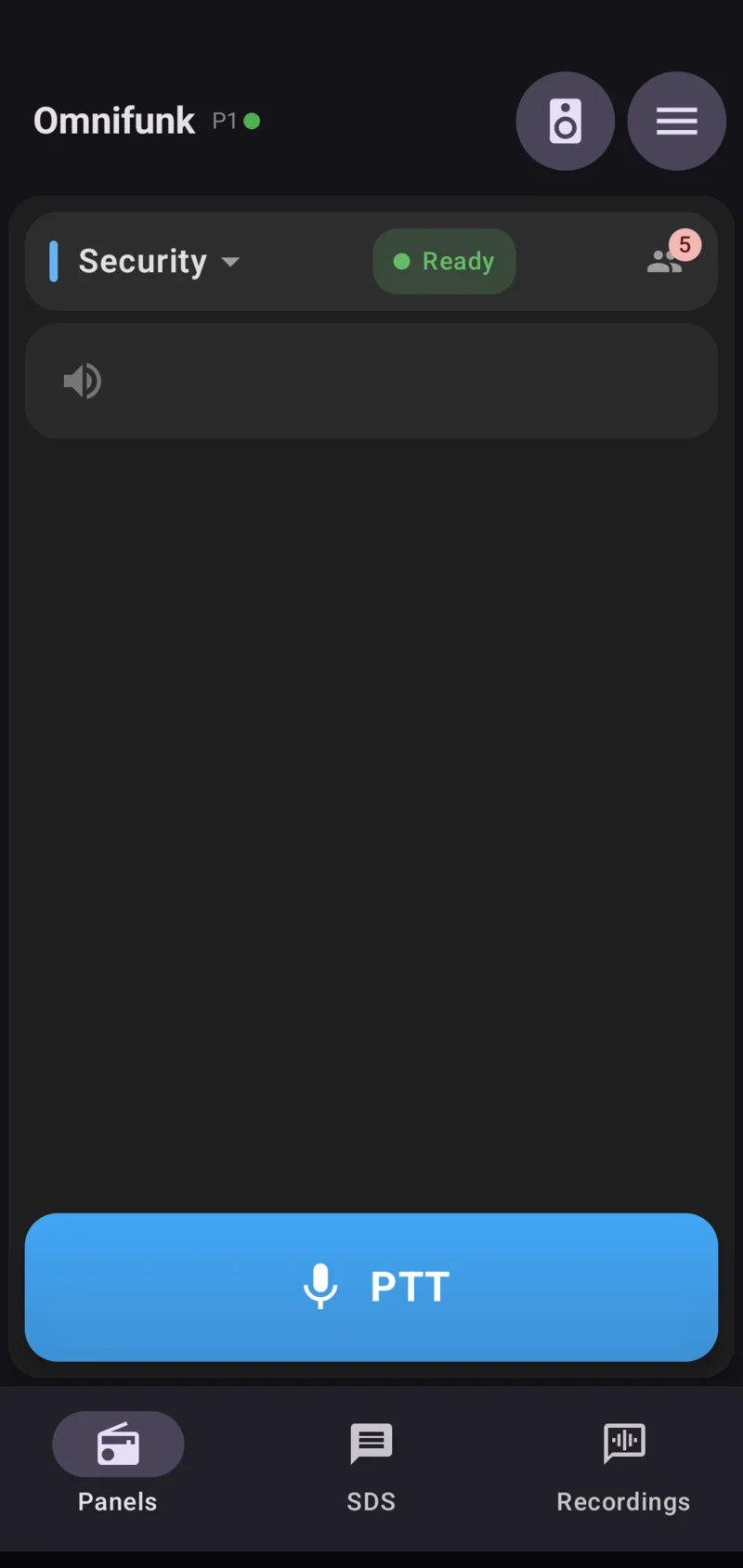
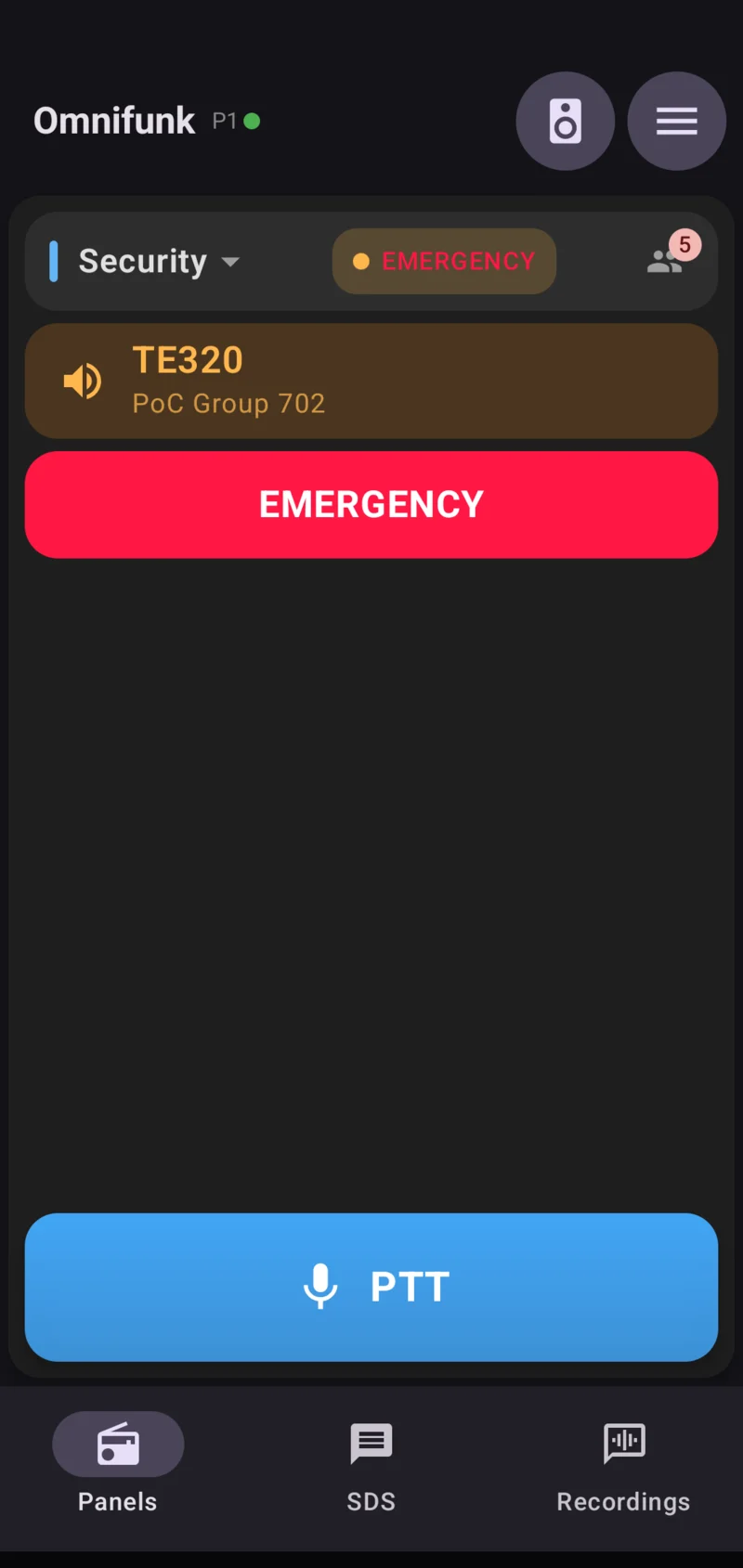
Press and hold the button and you are talking to the whole channel. The screen shows who is transmitting right now and how many people are connected. To switch channels, tap the channel name.
The SOS button asks for two seconds of pressure, so nobody sets it off with the device in a pocket. Once active, the call goes out with the highest priority on the network, the screen turns red, and the dispatcher is the one who closes it.
The participants icon opens the list of everyone on the channel. From there you move to the map with each person's position, and you keep talking without leaving the map. The App reports its position to the dispatcher at the interval the administrator sets.
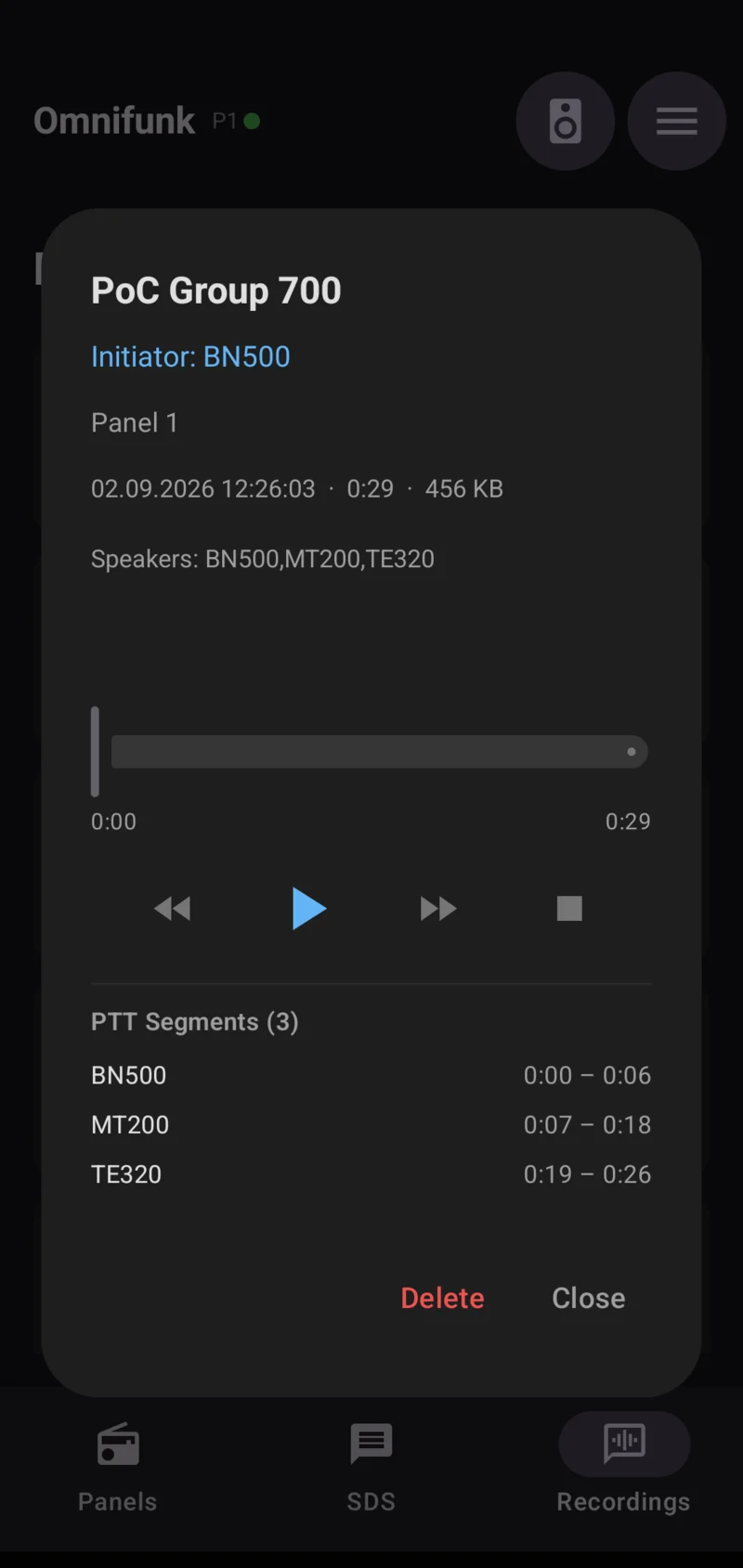
Send and receive written messages on the same channel, for instructions that have to be on record or for places where talking is not an option. The App also records calls and saves each one with its group, its channel, the time, and the segments of every person who spoke.
On rugged terminals the side talk key and the emergency key work directly, even with the screen off and the device locked. Bluetooth headsets with a talk button and wired shoulder microphones work too.
The admin area is PIN protected. The administrator sets the working channel, decides whether the user can change group, and leaves visible only what belongs there. In the field the App keeps the minimum: volume and audio accessory. One device can hold several connection profiles and switch servers during the shift, useful for anyone working at more than one site.
Requirements: an iPhone or any device running Android 7.0 or later, with WiFi or mobile data reaching the Omnifunk server. The App comes in Spanish, English, German, and Italian, and the language switch is immediate. Messages, recording, and position reporting are turned on according to what your organization's administrator configures.
See the terminals and compatible devices →